From registration to payroll
iwantservice.net simplifies the recording, checking and processing of hours worked. Employees register with their smartphone. Managers follow everything up centrally in the online web app.
Start. Break. Resume. Stop.
Employees record every important action simply with their smartphone.
See how it works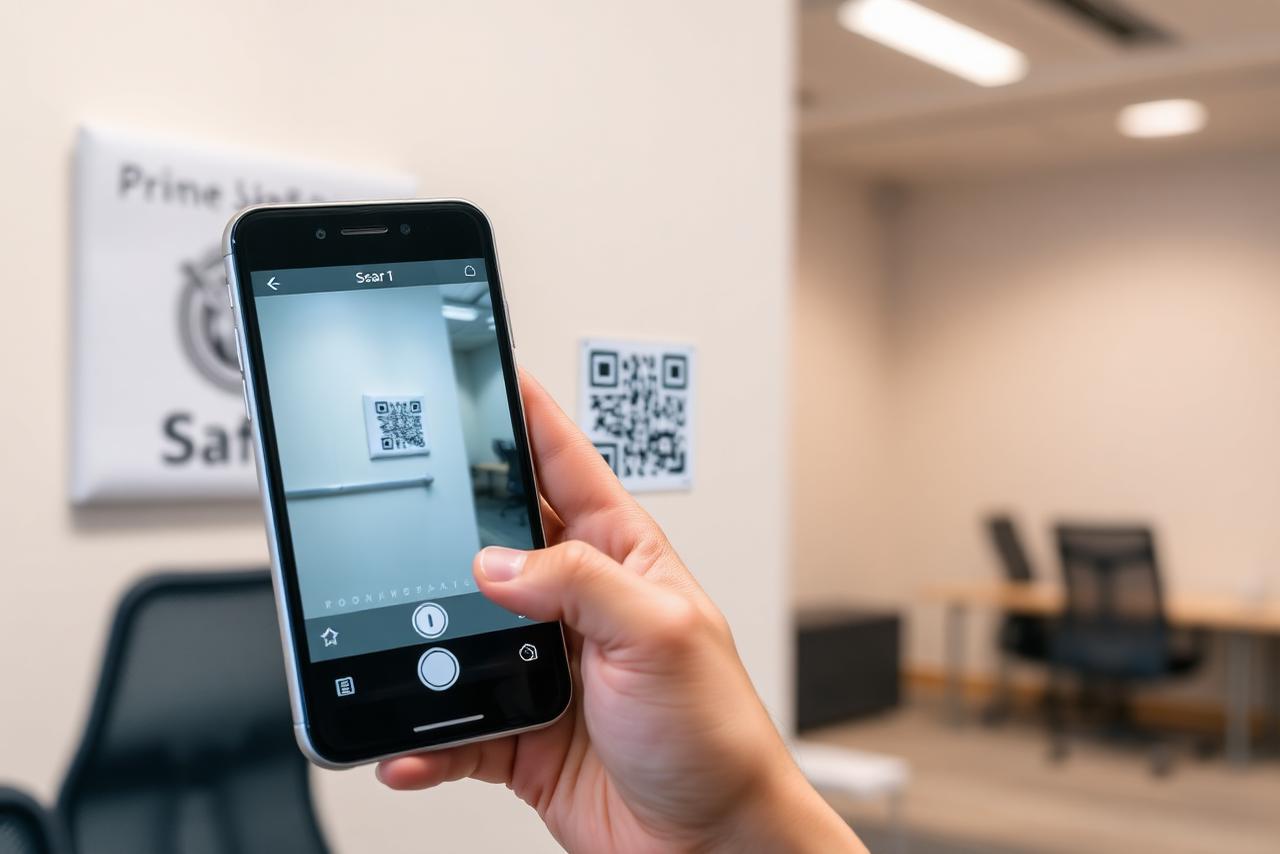
QR codes for locations
Every location can have its own QR code. Scanning links the relevant data automatically.
Possible locations
- construction site
- office
- shop
- restaurant
- hotel
- fuel station
- warehouse
- production hall
- technical installation
- work zone
- temporary storage area
- van
- service vehicle
What can be stored
- employee
- date
- time
- selected action
- location
- project
- site
- branch
- geographic location at the moment of scanning
- van or company car used, if applicable
Start, break and stop
Employees can record the following actions:
- start of the working day
- start of break
- end of break
- resuming work
- departure to another location
- arrival at another location
- end of the working day
Online management
The management platform shows, among other things:
- who is currently registered
- where an employee started
- start and end times
- recorded breaks
- total time worked
- travel time
- project or site
- branch
- vehicle
- comments
- missing entries
- corrections applied
Checks and corrections
Authorised users can check and correct missing or incorrect entries. Available features include:
- roles and user rights
- audit trail
- visibility of changes
- approval workflow
- comments on corrections
- status approved or to be checked
From recorded hours to the payroll office
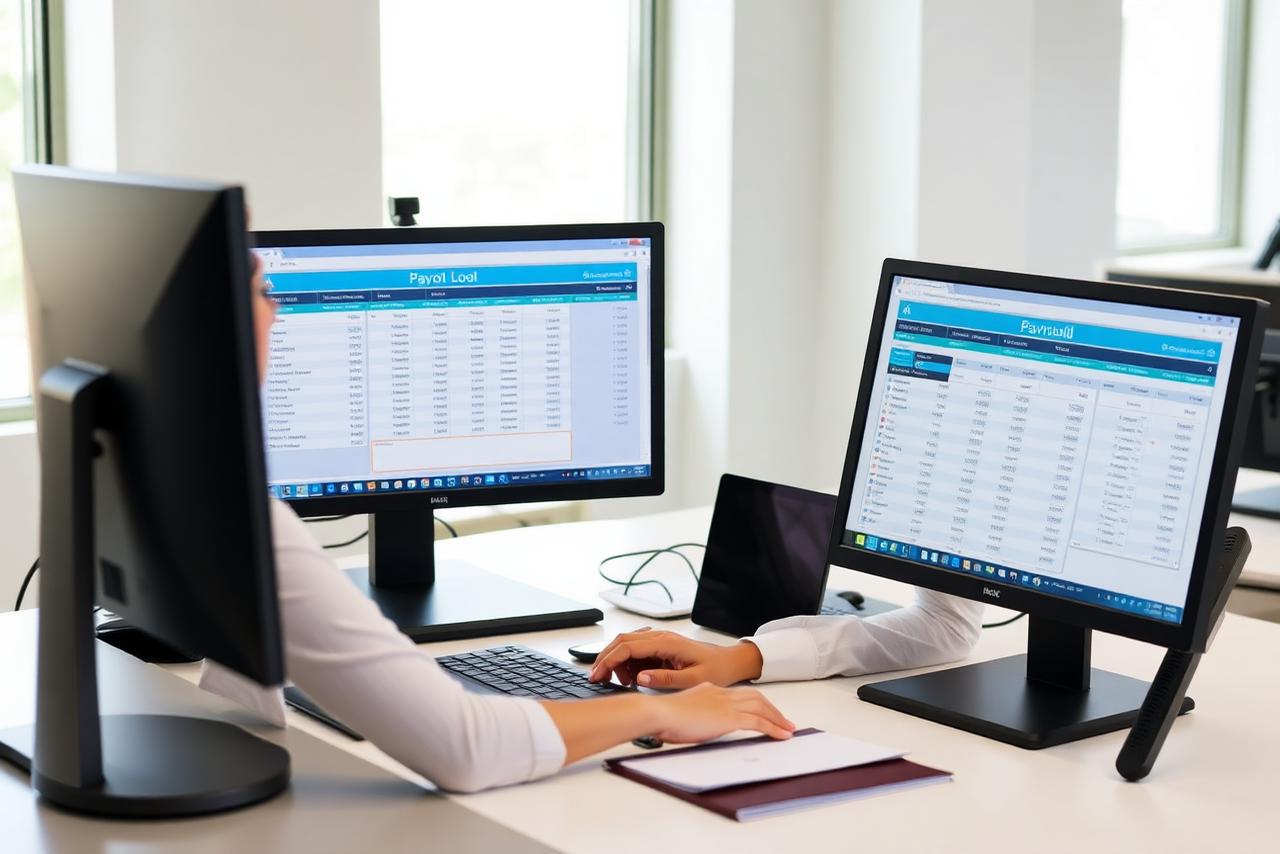
After checking, the results can be bundled per employee and pay period. The data can be exported and sent to the payroll office for further processing.
Possible export formats include CSV, Excel, a PDF report, a structured export, future API connections and a configuration per payroll office.
Important about exports and connections
Not every payroll connection is available as standard. Exports and integrations depend on the chosen configuration, the software used, the file format and the technical possibilities of the payroll office.
Interactive example workflow
A simplified view with fictitious data.
Scan QR code
- Employee
- Jan De Smet
- Project
- —
- Activity
- —
00:00:00
Example view with fictitious data.
Employer dashboard
- 1.The employee scans the QR code of the site.
- 2.The app recognises “Grote Markt site”.
- 3.The employee selects the activity “Masonry”.
- 4.The employee taps “Start”.
- 5.Later the employee selects “Break”.
- 6.After the break the employee selects “Resume”.
- 7.When leaving, the employee selects “Stop”.
- 8.The entry appears in the employer dashboard.
- 9.The employer checks the recorded hours.
- 10.The data is exported for payroll processing.

Inventory management for construction sites and mobile teams
Manage not only the hours worked, but also the materials and tools on your sites, in your warehouses and in your company vehicles.
Employees record deliveries, consumption and movements via QR codes. Materials are linked to the correct site, storage area, van, construction truck, employee or crew.
Material tracking is an extendable feature that can be tailored to your company's way of working.
Manage your site stock alongside your time registration.
Discover inventory managementCurious how this works in your organisation?
Book your demo